Edit Videos Like a Pro Inside ChatGPT With the AI Producer Plugin
Click to rate this tool
[Total: 2 Average: 5]
Edit Videos Like a Pro Inside ChatGPT With the AI Producer Plugin
You can now shoot a raw video, upload it to ChatGPT, and get back an edited version with motion graphics, all without opening a traditional video editor.
Disclosure: this article includes a link to a tool we partner with. Availability, features and usage limits can change, so check your current plan before you start.
See it in action
Here is a quick look at the plugin at work before we get into the setup.
What is the AI Producer plugin?
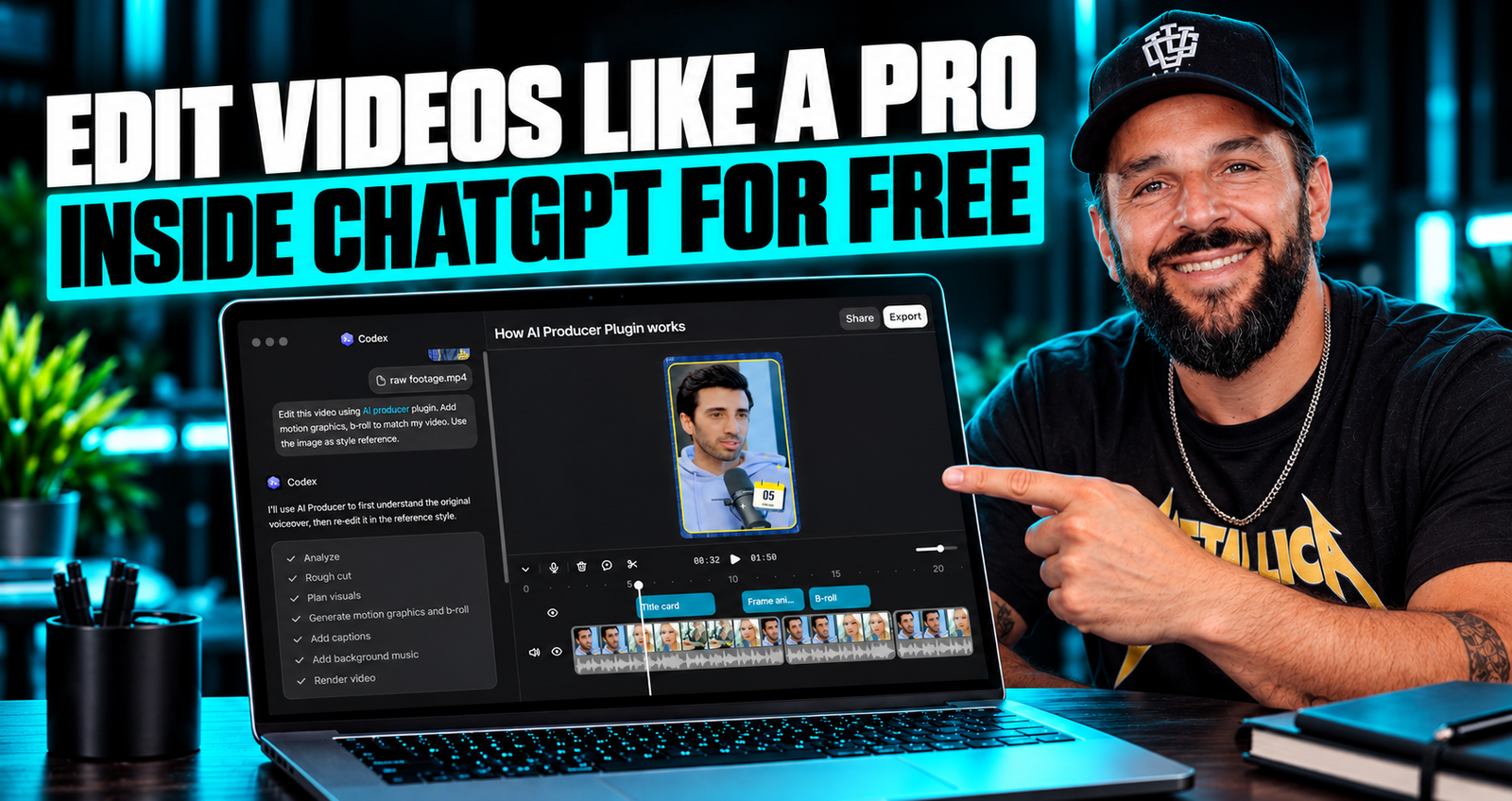
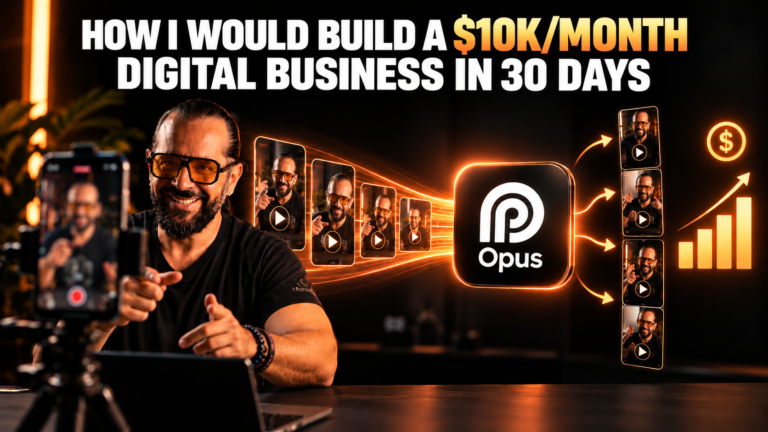
AI Producer by OpusClip is a plugin you can add inside the ChatGPT app through Codex. Instead of learning timelines, keyframes and effects panels, you describe what you want in plain language and the plugin handles the editing work on your footage.
What can it do?
Add motion graphics to a raw video
Edit your footage in a polished, professional style
Match the style of another video you like
How to set it up, step by step
Download the ChatGPT app and open it.
Switch to Codex.
Go to Plugins and search for AI Producer by OpusClip.
Install the plugin.
Shoot a raw video and upload it to ChatGPT.
Ask it to add motion graphics, edit the video like a pro, or match the style of another video.
Select the recommended model or a higher one, then let it work.
Export, download and compare the result with your original footage.
Try AI Producer by OpusClip
Open the plugin page and see what it can do with your own footage.
Start with clean footage, since good audio and lighting make any edit look better.
Be specific in your prompt about the style, pacing and type of graphics you want.
Use a reference video when you want a particular look, and ask the plugin to match it.
Review the export before publishing, and ask for another pass if something is off.
The bottom line
Video editing used to mean hours in a timeline. With a plugin like this inside an app you may already have, a first polished edit can take a single prompt. Try it on one short clip, compare it with your original, and decide whether it fits your workflow.