20 Copy-and-Paste AI Prompts to Make Any Photo Look Professional
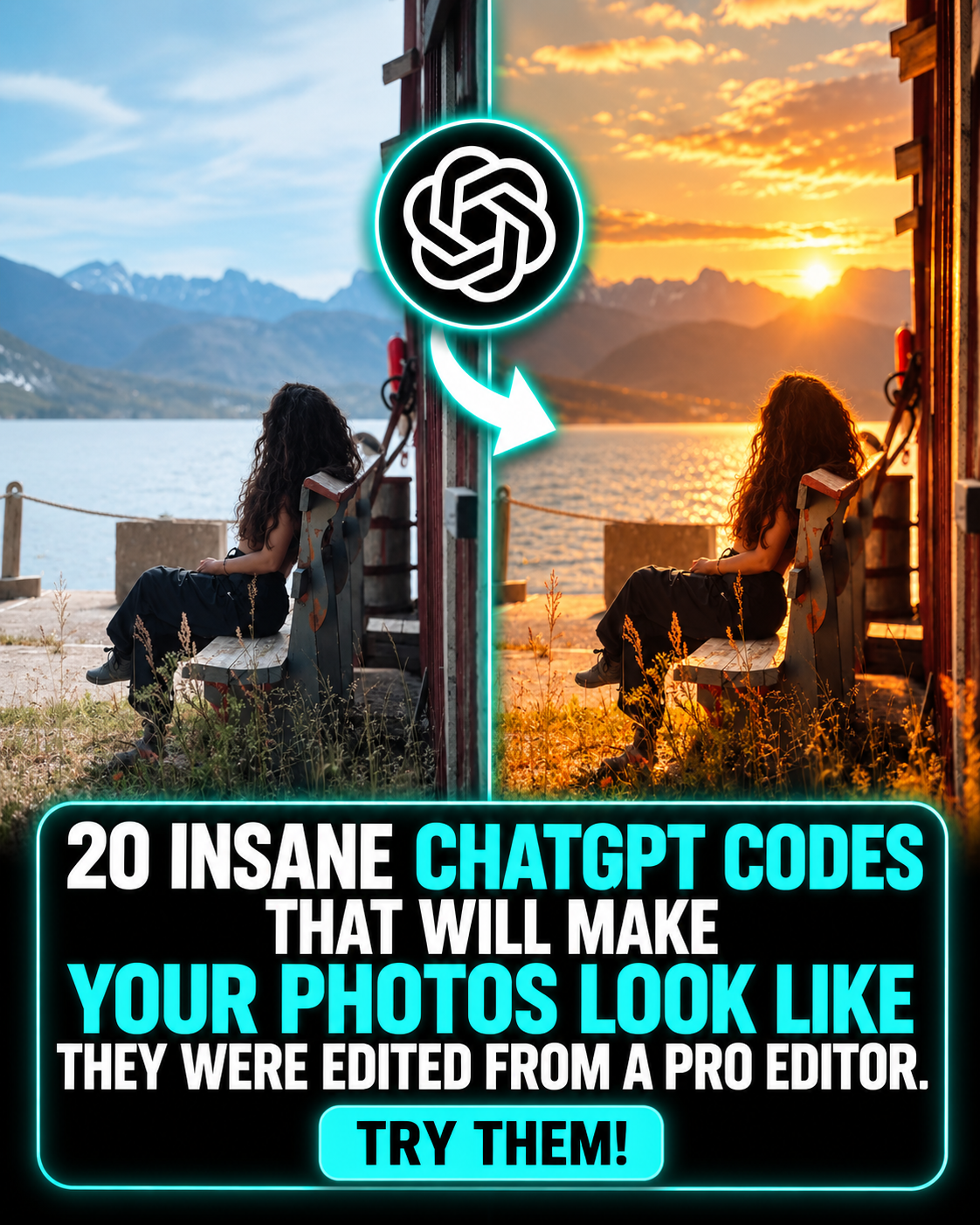
Most photos are one good prompt away from looking professional. Below are 20 copy-and-paste prompts you can use with any AI image editor that accepts photo uploads. Upload your photo, paste a prompt, and adjust from there.
How to use these prompts
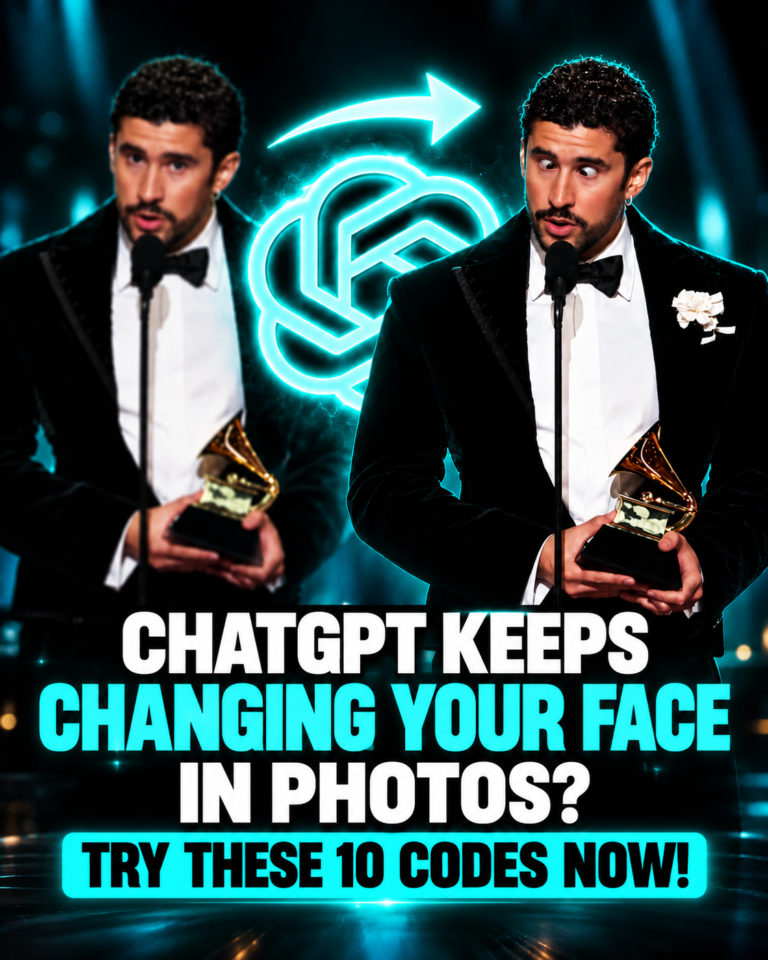
Upload your original photo first, then paste one prompt. Each prompt tells the AI to preserve your identity and keep the result realistic, which is the most common thing people lose when editing with AI. If the first result is too strong, run it again and add: keep the edit subtle.
The 20 prompts
1. Professional photo upgrade
Enhance this photo into a professional high-end photograph. Improve lighting, exposure, sharpness, color balance, contrast, and overall clarity. Preserve the subject's identity, facial features, body proportions, clothing, and composition. Keep it realistic and natural. Do not make it look AI-generated.
2. Professional photographer look
Transform this into a premium professional photograph shot by an experienced photographer. Improve the lighting, composition, depth, colors, contrast, and details while preserving the exact subject and identity. Create natural depth of field and realistic photographic texture. Do not over-edit the image.
3. Luxury Instagram photo
Upgrade this photo into a luxury editorial-style Instagram photograph. Use sophisticated lighting, rich but natural colors, refined contrast, subtle depth of field, and premium photographic detail. Keep the person completely recognizable and preserve their natural facial features and proportions.
4. Fix bad lighting
Fix the lighting in this photo. Correct underexposure, harsh highlights, unwanted shadows, and uneven illumination. Create soft, natural, flattering light while preserving realistic skin texture, facial features, colors, and the original environment.
5. Golden hour
Transform the lighting into beautiful natural golden-hour sunlight. Add warm directional light, realistic highlights and shadows, subtle atmospheric depth, and cinematic warmth. Keep the subject, face, clothing, background, and composition unchanged.
6. Cinematic photo
Turn this into a cinematic professional photograph. Improve lighting, contrast, depth, color grading, shadows, and atmosphere. Create a subtle cinematic look without making it artificial. Preserve the exact identity, facial features, body proportions, clothing, and environment.
7. Better background
Improve the background of this photograph while keeping the main subject completely unchanged. Make the environment cleaner, more aesthetically pleasing, realistic, and professionally photographed. Preserve the original perspective, lighting direction, subject position, and proportions.
8. Remove distractions
Remove all distracting or unnecessary objects from the background. Reconstruct the background naturally so the edit is invisible. Keep the person, face, body, clothing, lighting, shadows, perspective, and composition exactly the same.
9. Professional portrait
Turn this into a high-end professional portrait. Use flattering natural lighting, realistic skin texture, subtle background separation, sharp facial detail, balanced colors, and professional photographic depth. Preserve the person's exact identity and natural appearance. Avoid excessive retouching.
10. Magazine quality
Make this photograph look like it belongs in a premium fashion or lifestyle magazine. Improve lighting, composition, color grading, sharpness, skin texture, background separation, and overall visual polish. Keep the person recognizable and realistic. Do not change their identity or facial structure.
11. Natural skin retouch
Improve the skin in this photograph using subtle professional retouching. Reduce temporary blemishes and unevenness while preserving pores, natural texture, wrinkles, facial structure, and identity. Do not create plastic-looking skin or change the person's appearance.
12. Sharpen and enhance
Enhance the technical quality of this photograph. Increase perceived sharpness, fine detail, clarity, and definition while reducing noise and compression artifacts. Preserve realistic textures and avoid oversharpening, halos, artificial skin, or changing the person's facial features.
13. DSLR camera look
Make this look like it was captured with a high-end professional DSLR or mirrorless camera. Improve dynamic range, realistic lens rendering, depth of field, sharpness, exposure, colors, and natural skin tones. Preserve the original subject and composition.
14. Restore old photo
Restore and enhance this photograph. Remove scratches, dust, noise, compression artifacts, fading, and other damage. Recover realistic details and improve contrast and color while preserving the original person's identity, facial features, clothing, and overall character of the photograph.
15. Professional headshot
Transform this casual photo into a professional corporate headshot. Keep the person's exact identity and facial features. Improve lighting, posture presentation, background, sharpness, skin tones, and overall photographic quality. Make it look like it was taken in a professional studio.
16. Travel photo upgrade
Upgrade this travel photograph into a stunning professional travel photograph. Improve natural lighting, colors, sky, environmental detail, contrast, depth, and composition while keeping the location and main subject realistic. Avoid oversaturation and preserve the authentic atmosphere.
17. Make it look expensive
Make this photograph look significantly more premium and expensive. Use sophisticated lighting, refined color grading, realistic textures, controlled contrast, subtle depth of field, and polished composition. Preserve the original subject and make the result look like a professional commercial photograph.
18. Social media upgrade
Optimize this photograph for social media while keeping it realistic. Make the subject immediately stand out using stronger composition, cleaner background separation, better lighting, richer but natural colors, improved sharpness, and stronger visual contrast. Do not add text or artificial effects.
19. High-resolution enhancement
Enhance this image to an extremely high-quality photographic standard. Recover fine details, improve clarity, realistic textures, dynamic range, lighting, color accuracy, and edge definition. Preserve the original identity and composition. The final image should look like a professionally captured high-resolution photograph, not an AI recreation.
20. Complete professional upgrade
Give this photograph a complete professional upgrade. Improve exposure, lighting, color grading, contrast, sharpness, composition, depth, background, skin tones, texture, and overall photographic quality. Remove distracting elements and correct technical imperfections where appropriate. Preserve the exact identity, facial features, body proportions, clothing, important objects, and overall realism. Do not make unnecessary changes. The final result should look like the original photo was taken by a world-class professional photographer.
Quick tips
Start with the Professional photo upgrade prompt if you are unsure. Use Complete professional upgrade when you want one prompt to do everything. Always compare the result with your original to make sure the face and proportions still look like you.
Conclusion
You do not need editing skills or expensive software to get a professional looking photo. A clear prompt that tells the AI what to improve and what to preserve is usually enough. Pick the prompts that match your photo, save the ones that work best for you, and keep the edits realistic so the result still looks like you. Try two or three of them on the same photo and see which one you like most.