How to Turn One Product Photo Into a $7,530 Client Proposal With Lovart 2.0
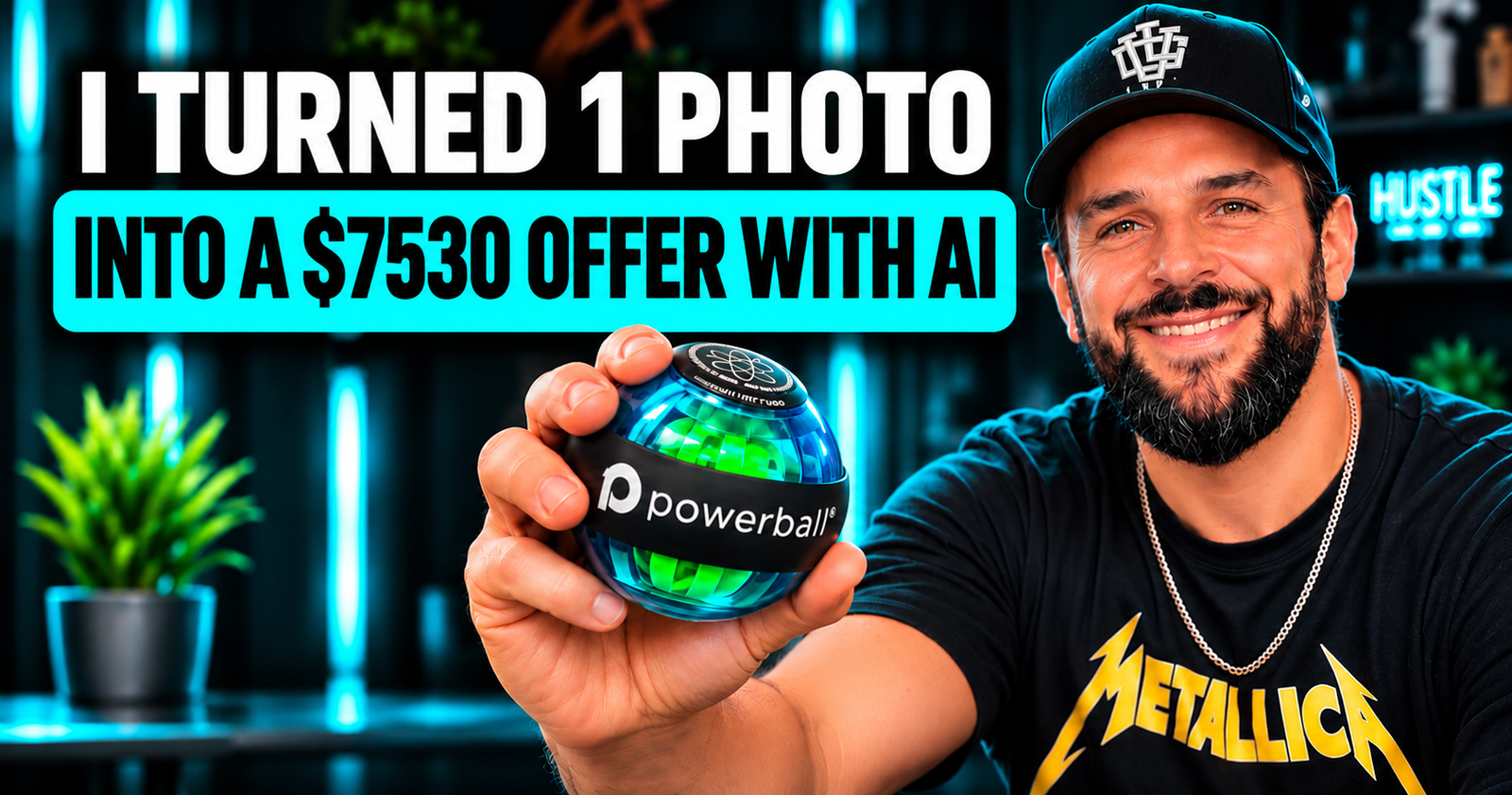
How to Turn One Product Photo Into a $7,530 Client Proposal With Lovart 2.0
What if a single product photo could become an entire marketing campaign, and seven different services you could sell to a business?
Not seven AI-generated pictures. Seven actual creative services that businesses already need, from product photography and social media content to advertising, promotional videos, and website banners.
And what if you could manage much of the creative production with one AI design agent?
That's the business opportunity I want to explore with Lovart 2.0 and Arti, its new personal AI design agent.
I'm going to walk you through a hypothetical $7,530 marketing proposal, showing how you could transform one product photo into a complete creative package.
The numbers are illustrative service prices, not guaranteed income or verified market averages. What matters is the business model behind them.
Watch the video walkthrough of Lovart 2.0 and Arti. Open on Instagram
Meet Lovart 2.0: An AI Design Agent That Goes Beyond Generating Images
Most AI image generators work in a familiar way.
You enter a prompt, generate an image, download it, and start over when you need something else.
That can be useful, but running a creative business requires far more than producing individual images.
You need to understand the client's brand, research creative directions, maintain consistency, produce content across different formats, handle revisions, and repeat that process for every new campaign.
Lovart 2.0 approaches the problem differently.
It's an AI-powered design workspace where you can plan, generate, and edit creative assets, including images and videos.
The biggest addition in Lovart 2.0 is Arti, a personal design agent designed to learn how you work and help manage more of the creative process.
Arti introduces several useful capabilities:
- Persistent memoryIt remembers your aesthetic preferences, collaboration style, and frequently used assets across projects, with controls to review and edit that memory.
- Design delegationAssign complete creative tasks that run once or on a daily, weekly, or monthly schedule.
- Design ResearchGather visual references, creative inspiration, and design insights, including sourced research and mood boards.
- Design ReviewIdentify inconsistencies between your work and the project's creative requirements.
- Feedback revisionCollect comments on specific design elements and turn them into structured revision plans.
- Self-evolving skillsRepeated workflows can become reusable skills, helping you work more consistently over time.
The interesting shift here isn't simply generating designs faster.
It's moving from using AI as a design tool to using AI as part of a repeatable creative production workflow.
And that's where the business opportunity begins.
7 AI-Powered Services You Could Offer With Lovart 2.0
Imagine a skincare brand approaches you.
They have a good product, an online store, and some basic photos. But they need more professional marketing materials to attract customers.
Instead of offering them one graphic or one social media post, you could build an entire creative proposal around their product.
Here's an example of what that proposal might look like.

| Creative service | Example project price |
|---|---|
| 30 days of social media content | $870 |
| Professional e-commerce product images | $590 |
| 8 advertising creatives | $1,200 |
| 3 promotional videos | $1,650 |
| Email marketing designs | $980 |
| Website banners and graphics | $1,250 |
| Campaign localization | $990 |
| Total potential client proposal | $7,530 |
Let's break down each service and how Lovart 2.0 could fit into the workflow.
1. Create an Entire Month of Social Media Content ($870)
Businesses need consistent content for Instagram, Facebook, TikTok, and other platforms.
The challenge isn't necessarily coming up with one good post. It's maintaining quality and consistency throughout the month.
With Lovart 2.0, you could use a client's product photo, brand assets, and marketing brief to develop a coordinated collection of social media creatives.
For example, you might create promotional posts, product highlights, educational carousels, seasonal announcements, and campaign graphics.
Arti's design delegation feature makes this particularly interesting.
You can assign recurring research or creative tasks, choose a schedule, set a credit limit, and test the results before enabling the delegation.
Imagine preparing weekly creative recommendations for a brand without having to rebuild the entire workflow every Monday.
Example service value: $870
2. Create Professional E-commerce Product Visuals ($590)
One of the most practical uses of AI design tools is creating additional marketing visuals from an existing product image.
A small online store might have only basic photographs of its products.
But for its website and marketing campaigns, it may need lifestyle compositions, promotional backgrounds, different product arrangements, and marketplace-ready visuals.
Lovart's creative workspace can help develop those assets while keeping them organized within the same project.
For example, you could take a basic product photo and create different visual directions for a luxury campaign, a seasonal promotion, or an e-commerce collection.
The key is preserving accurate product details. AI-generated imagery should be reviewed carefully for packaging errors, inaccurate colors, or features that don't exist.
Example service value: $590
3. Design 8 Advertising Creatives ($1,200)
Running successful Meta advertising campaigns often means testing multiple creative concepts.
Businesses may need different visuals for different audiences, promotions, and placements.
Instead of producing just one advertisement, you could offer a package of eight creative variations.
That might include product-focused designs, promotional offers, testimonial-style layouts, lifestyle concepts, and multiple headlines or calls to action.
Lovart's canvas provides a workspace for building and editing these variations.
Arti's Design Research can help explore creative directions, while Design Review can flag inconsistencies before the campaign is delivered.
This doesn't guarantee better advertising performance. The creatives still need testing, and the advertiser needs a sound strategy.
But it can make developing a broader range of creative concepts more manageable.
Example service value: $1,200
4. Produce 3 Promotional Videos ($1,650)
Video is another service you can add to the same client proposal.
Imagine taking the product's existing visual assets and developing three short promotional videos for social media advertising or organic content.
One video might introduce the product. Another could communicate its benefits. A third might focus on a special offer.
Lovart brings image and video generation capabilities together in its creative workspace, including access to multiple supported AI models.
This gives you options for developing visual concepts, experimenting with motion, and creating video assets without switching between as many separate tools.
The final videos still need creative direction, editing, quality control, and appropriate usage rights.
Example service value: $1,650
5. Build Email Marketing Designs ($980)
Many businesses focus heavily on social media but overlook the creative side of email marketing.
Yet email campaigns need attractive layouts and consistent branding, too.
Using the same product assets and approved visual direction, you could develop email banners, product launch graphics, promotional visuals, and seasonal campaign designs.
For example, a skincare brand might need creative assets for a welcome sequence, a new product announcement, a limited-time promotion, and a customer reactivation campaign.
Lovart could assist with the visual production while you handle the messaging, email-platform implementation, and final campaign checks.
Example service value: $980
6. Create Website Banners and Promotional Graphics ($1,250)
Now consider the brand's website.
The same product campaign could require homepage hero banners, category graphics, promotional tiles, mobile-specific creative assets, and seasonal landing-page visuals.
This is where consistency becomes particularly valuable.
A brand shouldn't look completely different across its social media, advertising, emails, and website.
Lovart's Brand Kit helps store brand assets, while Arti's memory and Design Review capabilities can support a more consistent creative process.
You could offer businesses a coordinated website creative package built around the campaign they're already running.
Example service value: $1,250
7. Adapt the Campaign for Another Country and Language ($990)
Here's a service many freelancers overlook: campaign localization.
Imagine your client sells in the United States but wants to expand its campaign into Germany, France, or Spain.
The work goes beyond translating a few words.
You may need to adapt messaging, update promotional graphics, adjust text placement, replace cultural references, and prepare new versions of every relevant creative.
With Lovart's editing capabilities and existing project assets, you could develop localized design variations without starting every creative from scratch.
Human review remains essential for translations, local advertising requirements, and cultural accuracy.
Example service value: $990
From One Product Photo to a $7,530 Marketing Proposal
Add those seven hypothetical service prices together and you get $7,530.
But here's the distinction I want to make.
You haven't earned $7,530 simply because an AI tool can generate the designs.
You've created a potential $7,530 proposal by identifying multiple business needs and packaging them into deliverables a client might find valuable.
Whether a client accepts that proposal depends on the business, budget, scope, quality, and your ability to deliver.
That's how I would approach building an AI-powered service business.
Don't start by asking, "What can this AI tool generate?"
Start by asking, "What expensive, time-consuming, or repetitive business problem can I help someone solve?"
The technology becomes your production advantage. The value comes from understanding the customer's needs.
Why Arti's Proactive Features Matter for Freelancers and Agencies
There's another reason Lovart 2.0 is interesting for people building service businesses.
Most creative work isn't finished after the first deliverable.
Clients want revisions. Social media needs new material. Campaigns need updating. Different platforms require different formats.
That means much of a freelancer's time goes into managing recurring production rather than just creating the original idea.
Arti is designed to help with some of this ongoing work.
For example, you could delegate a weekly marketing calendar or inspiration report, review suggested creative directions, and develop new content based on approved ideas.
Design Review can identify visual inconsistencies, while element-level feedback can make client revision requests easier to organize.
Arti can also learn repeated workflows and suggest turning them into reusable skills.
You still make the creative decisions, approve changes, manage client relationships, and verify deliverables.
But a more repeatable production system could help you spend less time recreating the same process for every project.
How to Get Started With Lovart 2.0
You don't need to build an entire agency before trying this workflow.
Start with a simple creative project.
1
Choose a productUse a product photo you own or have permission to use. Make sure you understand the brand and its target customer.
2
Set up the brand contextAdd approved brand assets and explain the preferred visual direction, audience, and requirements.
3
Build a sample campaignStart with product visuals, advertising concepts, and social media graphics before expanding into other deliverables.
4
Explore Arti's design delegationChoose a recurring research or creative task, run a test, and check the outputs before scheduling it.
5
Review and refineCheck product accuracy, text, visual consistency, formatting, and commercial suitability.
6
Package the work as a serviceCreate a portfolio example with clearly defined deliverables, revision limits, and pricing.
Rather than trying to sell every possible AI service immediately, identify one type of business you understand well.
An e-commerce store, a skincare company, a restaurant, or a personal brand could each have very different creative needs.
Build an offer around those needs.
Is Lovart 2.0 Worth Exploring for an AI Design Business?
If you're a freelancer, marketer, content creator, or business owner, Lovart 2.0 is worth exploring because it addresses more than isolated AI image generation.
Its combination of a creative canvas, brand assets, AI image and video capabilities, persistent memory, scheduled tasks, research, and design reviews creates opportunities to organize a more complete production workflow.
That doesn't eliminate the need for design judgment, strategy, editing skills, or client management.
And it doesn't mean every AI-generated asset will be ready for commercial use without revisions.
But it does open up interesting possibilities for people who want to offer professional creative services without building a traditional production team from day one.
The opportunity isn't to sell cheap AI-generated images. It's to build a valuable creative service around AI-assisted production.
Frequently Asked Questions
What is Lovart 2.0?
Lovart 2.0 is an AI design platform that combines image and video creation, editing, brand assets, and creative workflow tools. Its major addition is Arti, a personal AI design agent that can remember preferences, take on recurring tasks, research references, and review creative work.
What is Arti AI?
Arti is the personal design agent introduced in Lovart 2.0. It helps users organize and delegate creative work, maintain design preferences, and manage recurring production tasks while keeping people in control of final decisions.
Can you make money with Lovart 2.0?
Lovart 2.0 can support services such as social media design, product imagery, advertising creatives, promotional videos, and website graphics. Earning money depends on finding clients, producing work they value, and delivering on agreed requirements. The platform doesn't guarantee clients or income.
Can Lovart 2.0 create videos?
Yes. Lovart includes AI video generation capabilities and supports several video models within its creative workspace. Available features and model access may depend on the plan and credits.
Can Arti automate social media content creation?
Arti can run scheduled design delegations, including recurring creative and research tasks. Users still need to review results, make final decisions, and manage publishing through their chosen channels.
Is Lovart 2.0 suitable for beginners?
Beginners can explore visual creation and build sample projects, but delivering professional creative services still requires an understanding of branding, design quality, marketing objectives, and client expectations.
Final Thoughts: Sell the Solution, Not the AI Tool
Here's the biggest lesson from this example.
A business doesn't necessarily care whether you use AI, traditional design software, or a team of freelancers.
It cares about what you deliver.
Can you help it launch a campaign? Make its products look better? Produce consistent social content? Create advertising variations? Expand into new markets?
Those are the services people may be willing to pay for.
Lovart 2.0 and Arti offer an interesting way to support that creative work through a connected, AI-assisted production process.
That's not a promise of income.
It's an example of what becomes possible when you stop thinking about AI as a way to generate random content and start thinking about it as a tool for building a real service business.
Disclosure: This article is part of a promotional collaboration with Lovart. The service prices shown are illustrative, and results depend on individual skills, client demand, project scope, and execution.