10 Lock Codes to Stop ChatGPT From Changing Your Face
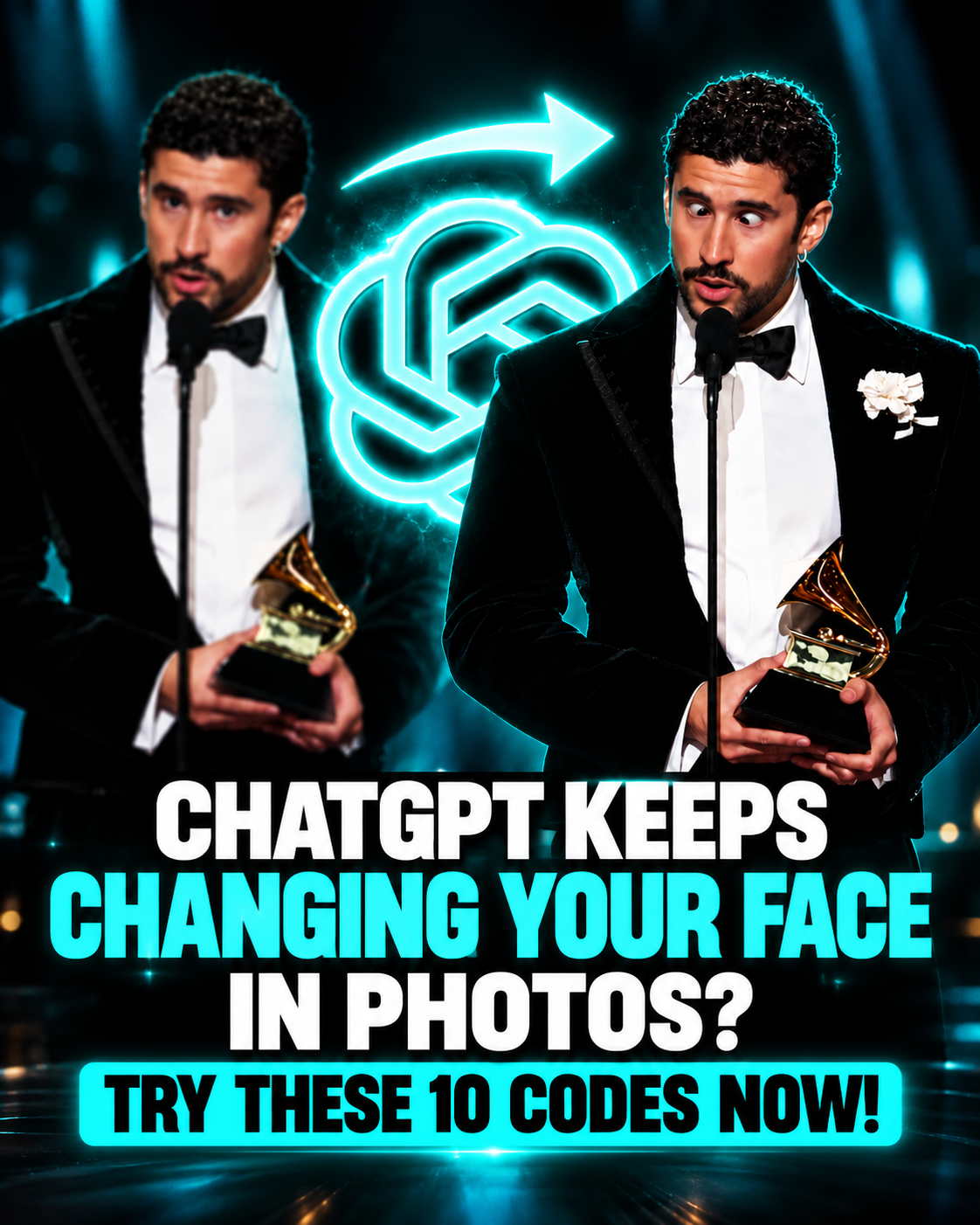
If ChatGPT changes your face every time you create an image, read this.
ChatGPT doesn’t “accidentally” change your face. It edits anything your prompt leaves unprotected. These 10 lock codes tell it exactly what not to touch.
1. /identitylock
“Keep the face exactly as it appears in the original: the same face shape, eyes, nose, lips, jawline, skin tone, and hairline. Don’t beautify, slim, or age it. Only change: [your edit].”
Use this as the base instruction for every photo edit.
2. /poseonly
“Change only the pose to [describe the pose]. Keep the face, hair, outfit, background, and lighting identical to the original.”
This keeps the person looking the same while the body moves.
3. /outfitonly
“Change only the clothing to [outfit]. Keep the face, hair, body proportions, pose, and background unchanged.”
The clothing gets swapped, and nothing else changes.
4. /bgswap
“Replace only the background with [scene]. Keep the person and hair edges exactly as they are, and match the new background to the lighting already on the face.”
The last part helps prevent that “pasted-in” look.
5. /samelens
“Keep the original camera angle, distance, and focal length. Don’t widen or tighten the framing.”
Few people know this one. A different lens can change how the nose and face appear, making you look like someone else.
6. /matchlight
“Keep the direction of the light, shadows, and color temperature on the face the same as in the original.”
When the lighting changes, AI may repaint the shadows, making the cheekbones and jawline look different.
7. /realskin
“Keep the natural skin texture, pores, freckles, and small marks. No smoothing or airbrushing.”
Over-smoothed skin is one of the main reasons an edited face can feel “off.”
8. /eyelock
“Keep the eye shape, eye color, gaze direction, and glasses exactly as they are in the original.”
The eyes are one of the first things people notice, and one of the first places where an edit can look fake.
9. /freshbase
“Edit the original photo I uploaded, not the last edited result.”
Here’s the hidden problem: repeated edits can gradually change facial features. By the fifth edit, the person may look noticeably different. Start a new chat, re-upload the original, and include all your desired changes in one prompt.
10. /sameframe
“Keep the original aspect ratio and crop.”
Changing the dimensions or crop can cause the AI to regenerate parts of the image, potentially changing your face in the process.
Final Tip
Combine the codes that fit your edit. For example, pairing /identitylock, /realskin and /freshbase in one prompt gives you the best chance of keeping your face exactly as it is.
```