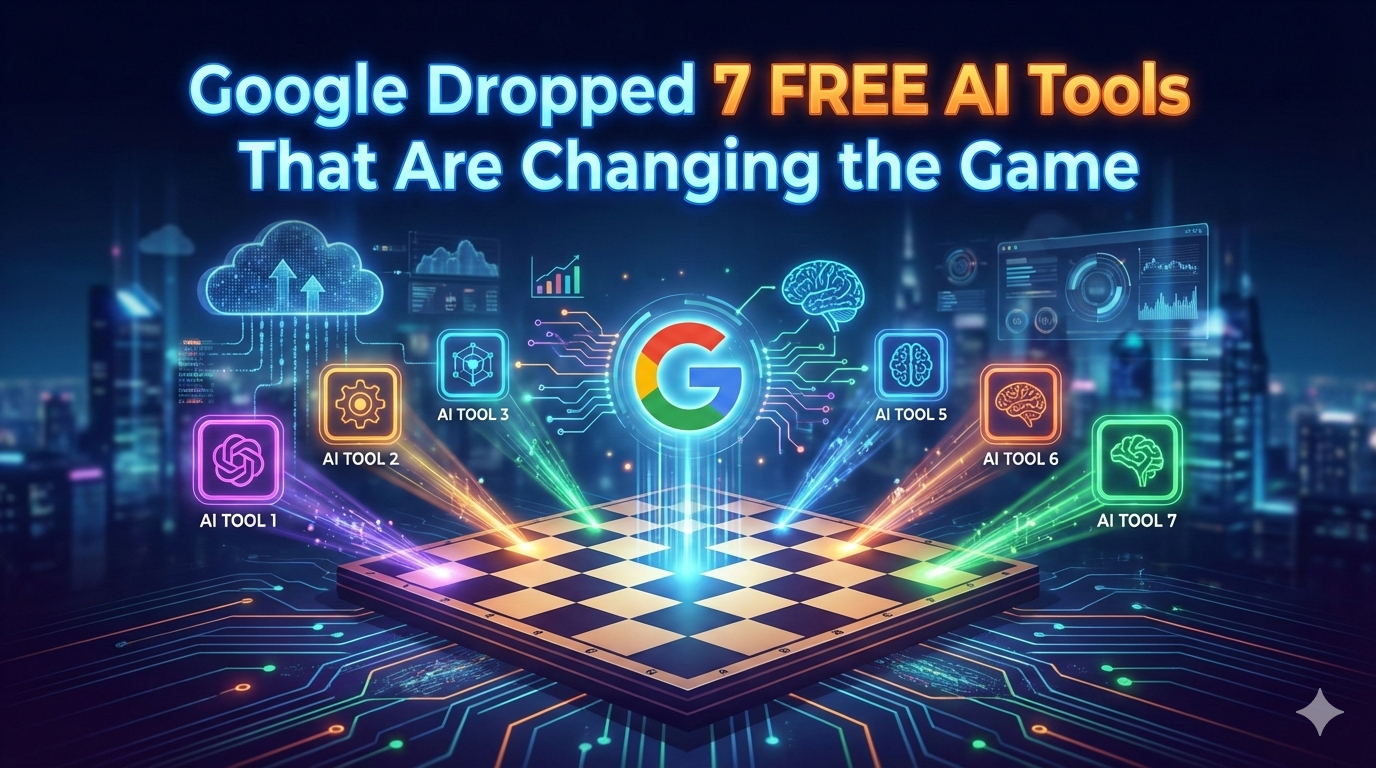
Whether you’re building apps, automating workflows, designing content, or generating visuals — these AI tools are designed to help you move fast and build smarter.
1. Google Stitch
What it does: Turns natural language descriptions and sketches into real UI designs and front-end code in minutes — no design skills needed.
Use it: 👉 https://labs.google.com/stitch
2. Build by AI Studio
What it does: A plain-English app builder inside Google AI Studio that writes entire web apps from straightforward prompts — perfect for prototyping or MVPs.
Use it: 👉 https://aistudio.google.com
3. Opal
What it does: A no-code workflow and mini-app builder powered by AI — think AI-powered n8n that lets you visually assemble logic and behaviors from text prompts.
Use it: 👉 https://opal.google/landing/
4. NotebookLM
What it does: An AI research assistant that digests your uploaded documents and turns them into searchable notes, summaries, and even podcast-style audio explainers.
Use it: 👉 https://notebooklm.google
5. Pomelli
What it does: Google’s AI marketing tool that scans your website, learns your brand DNA (fonts, colors, voice), and auto-generates on-brand social and ad content.
Use it: 👉 https://labs.google.com/pomelli/about/
(Note: currently in public beta and region-limited.)
6. Gemini Canvas
What it does: A powerful AI workspace inside Google Gemini that transforms text or doc content into visually rich slide decks and visual presentations in minutes.
Use it: 👉 https://gemini.google.com (open Canvas from the tools menu)
7. Nano Banana Pro
What it does: Google’s cutting-edge AI model for generating photorealistic, studio-quality images — think 4K resolution, advanced lighting controls, and detailed edits.
Use it: 👉Alternative official access via Google Gemini (image generation with Nano Banana Pro)
👉 https://gemini.google.com — open this, sign in with Google, choose “Create images” → select Thinking model to use Nano Banana Pro.
Final Thoughts
This lineup isn’t just a toolkit — it’s a productivity ecosystem. You can go from idea → UI → working app → marketing visuals → launch with minimal overhead. These tools blend generative design, app logic, workflows, research, and visual creation into a fluid, easily orchestrated stack. Choose the right combo for your workflow and you’ll be building better, faster, and with way less grunt work.