
Best Free AI Websites

Blog

Your blog category

32 TOP AI TOOLS TO LEARN NEW SKILLS

Coding & Tech

LeetCode (https://leetcode.com/): A go-to platform for practicing coding problems and preparing for technical interviews. You’ll find thousands of challenges across algorithms, data structures, and systems design — with test cases and community discussions to help you level up your problem-solving skills.

GeeksforGeeks (https://www.geeksforgeeks.org/): A huge online computer science hub packed with tutorials, explanations, and examples on coding concepts. It’s great for learning fundamentals, diving deep into topics, and finding solutions for common programming patterns in languages like C++, Java, Python, and more.

Kaggle (https://www.kaggle.com/): A vibrant data science and machine learning community where you can find real datasets, compete in predictive modeling challenges, build projects, and share notebooks. It’s perfect for hands-on learning and collaboration with other data enthusiasts.

Code.org (https://code.org/en-US): An education nonprofit focused on expanding access to computer science, especially for beginners and students. It offers fun, structured lessons, games, and activities to learn coding basics — no experience required.


🎓 Education & Courses

Khan Academy — https://www.khanacademy.org/
A free, nonprofit online learning platform offering video lessons and practice exercises across core subjects like math, science, history, and computing — great for self-paced foundational learning at any age.

Udemy — https://www.udemy.com/
A huge online course marketplace where experts create video-based classes on everything from programming and business to creative skills — courses can be paid or free.

Harvard Online — https://pll.harvard.edu/online-courses
Harvard University’s official hub for online courses, including professional, academic, and skills-based training created by Harvard faculty — often with certificates.

Class Central — https://www.classcentral.com/
A search and discovery engine for online courses (MOOCs) from universities and providers like Coursera, edX, and more — helpful for finding free and paid options.


💼 Business & Professional Skills

Coursera for Business — https://www.coursera.org/business
Enterprise-focused learning from top universities and companies — builds career and leadership skills with scalable training paths and certificates.

Google Skillshop — https://skillshop.withgoogle.com/
Google’s official training platform to master Google products like Analytics, Ads, and more — includes certifications for professionals and marketers.

MindTools — https://www.mindtools.com/
Professional development site with practical resources on leadership, time management, communication, and team skills (usually subscription-based).

openSAP — https://open.sap.com/
Free online courses on SAP technologies and enterprise software — ideal for IT professionals and business tech learners.


🤖 AI & Tech

Learning OpenAI – Learning (At the moment there’s no official centralized “OpenAI Learning” site in the same way; many resources are hosted through ChatGPT’s tools and documentation.)

Microsoft AI Learnhttps://learn.microsoft.com/ai Microsoft’s official AI learning hub — hands-on tutorials, learning paths, and documentation for developing AI skills with Microsoft tools. Microsoft Learn

Hugging Face Learnhttps://huggingface.co/learn A learning section from Hugging Face focused on open-source AI model development, LLMs, and practical machine learning training. Hugging Face

TensorFlowhttps://www.tensorflow.org/learn Official learning resources for TensorFlow (Google’s ML framework) — tutorials and courses on neural networks, model building, and deep learning.

Google dropped 7 FREE AI tools that are changing the game.

Whether you’re building apps, automating workflows, designing content, or generating visuals — these AI tools are designed to help you move fast and build smarter.

1. Google Stitch

What it does: Turns natural language descriptions and sketches into real UI designs and front-end code in minutes — no design skills needed.
Use it: 👉 https://labs.google.com/stitch


2. Build by AI Studio

What it does: A plain-English app builder inside Google AI Studio that writes entire web apps from straightforward prompts — perfect for prototyping or MVPs.
Use it: 👉 https://aistudio.google.com


3. Opal

What it does: A no-code workflow and mini-app builder powered by AI — think AI-powered n8n that lets you visually assemble logic and behaviors from text prompts.
Use it: 👉 https://opal.google/landing/


4. NotebookLM

What it does: An AI research assistant that digests your uploaded documents and turns them into searchable notes, summaries, and even podcast-style audio explainers.
Use it: 👉 https://notebooklm.google


5. Pomelli

What it does: Google’s AI marketing tool that scans your website, learns your brand DNA (fonts, colors, voice), and auto-generates on-brand social and ad content.
Use it: 👉 https://labs.google.com/pomelli/about/
(Note: currently in public beta and region-limited.)


6. Gemini Canvas

What it does: A powerful AI workspace inside Google Gemini that transforms text or doc content into visually rich slide decks and visual presentations in minutes.
Use it: 👉 https://gemini.google.com (open Canvas from the tools menu)


7. Nano Banana Pro

What it does: Google’s cutting-edge AI model for generating photorealistic, studio-quality images — think 4K resolution, advanced lighting controls, and detailed edits.
Use it: 👉Alternative official access via Google Gemini (image generation with Nano Banana Pro)

👉 https://gemini.google.com — open this, sign in with Google, choose “Create images” → select Thinking model to use Nano Banana Pro.


Final Thoughts

This lineup isn’t just a toolkit — it’s a productivity ecosystem. You can go from idea → UI → working app → marketing visuals → launch with minimal overhead. These tools blend generative design, app logic, workflows, research, and visual creation into a fluid, easily orchestrated stack. Choose the right combo for your workflow and you’ll be building better, faster, and with way less grunt work.


10 FREE Websites That Should Be Illegal (But Aren’t)

Knowledge does not have to be expensive.
Education should not be locked behind paywalls.

The truth is, you need permission, credentials, or debt to learn valuable skills.

Right now, some of the most powerful institutions on the planet — from MIT to Harvard University to OpenAI — are quietly giving away world-class education for free.

No catch.
No gimmicks.

Here are 10 free websites that feel illegal — but absolutely aren’t.

Use them wisely.


1.FreeLearningList
A master index of free education across the internet.
You pick a skill, it shows you where to learn it for $0.

2.Google Skills Boost
Google literally training the next generation for free.
AI, data, cybersecurity, marketing, certificates included.

3. MIT OpenCourseWare 
Real MIT courses. Real lectures. Free.
Same knowledge. No tuition.

4. Khan Academy
Math, finance, economics, logic, storytelling.
Better than most school systems.

5. Harvard Free Online Courses
Harvard… for free.
Let that sink in.

6.Coursera (Audit Mode)
Top universities and companies.
Thousands of courses free if you choose “Audit.”

7. Project Gutenberg
70,000+ free books.
Business, philosophy, psychology, classics.
A private library in your pocket.

8. Open Library
Borrow books digitally like a global library card.
Millions of titles.

9. Internet Archive
Books, movies, software, courses, old websites.
The internet’s memory vault.

10. OpenAI Learn
Learn how to actually use AI, not just talk about it.
Prompts, workflows, real use cases.


Conclusion

Pick one site. Start today.
Because the real advantage isn’t knowing these exist — it’s acting before everyone else wakes up.


NVIDIA Just Dropped 9 Free AI Courses


Introduction

In today’s AI era, staying ahead means continuously learning — not just algorithms, but also how to deploy, optimize, and scale them. NVIDIA has stepped up with a compelling offering: a set of 9 AI / accelerated computing courses (many free or at minimal cost) designed for data scientists, developers, infrastructure engineers, and curious professionals alike. These courses cover workflows, generative AI, infrastructure, computer vision, simulation, and more — all grounded in NVIDIA’s GPU and software ecosystems. Whether you’re just getting started or aiming to fill gaps in production readiness, this curated list offers a roadmap to deepen your AI toolset.

Below, I present the 9 courses (with titles, a brief description, and link), plus one bonus, and then wrap up with why this matters now and next steps.


1. Accelerate Data Science Workflows with Zero Code Changes
This course teaches how to use RAPIDS (NVIDIA’s data science library) to GPU-accelerate data science pipelines without having to rewrite your existing CPU code — a powerful way to gain speed with minimal disruption.

2. Generative AI Explained
In this no-coding course, learn Generative AI concepts and applications, as well as the challenges and opportunities in this exciting field.

3. Getting Started with AI on Jetson Nano 
Build and train a classification data set and model with the NVIDIA Jetson Nano.

4. Building A Brain in 10 Minutes
The notebook explores the biological inspiration for early neural networks.

5. Building Video AI Applications at the Edge on Jetson Nano
Learn how to build DeepStream applications to annotate video streams using object detection and classification networks.

6. Fingerprinting with Morpheus
Perform Digital Fingerprinting with the NVIDIA Morpheus AI Cybersecurity Platform.

7. AI for All: From Basics to GenAI Practice
This is a more general / inclusive course: starting from AI basics, then stepping into generative AI (GenAI) practice. Good for those who want a full spectrum view.

8. AI Infrastructure & Operations Fundamentals
This is an enterprise / infrastructure course covering AI architecture, cluster management, cloud vs on-prem, operations and orchestration. (Coursera)

9. Augment your LLM Using Retrieval Augmented Generation
A high-level, introductory course on RAG — combining retrieval systems with generative models to build smarter, grounded AI applications.


Conclusion

These nine courses (plus the bonus) offer a powerful, structured way to build — or deepen — your mastery of AI pipelines, GPU acceleration, deployment, infrastructure, visualization, and generative AI. Because they’re tied to NVIDIA’s tools, you’ll gain not only theoretical insight but practical, applied skills you can use in real-world projects.

Here’s how I recommend you approach them:

  • Start with a general / foundational course (e.g., AI for All or AI Infrastructure Fundamentals) to get a broad view.
  • Pick domain-specific ones aligned to your goals: data science (T-DS), visualization/rendering/fx (S-FX, S-IV, S-RX), or infrastructure & operations (AI Infra).
  • Follow through with hands-on labs (many of these include practical labs or GPU tooling).
  • Use the certification track (if available) as a motivator and proof point for your learning.
  • Build a small portfolio project where you combine two or more domains — e.g. a generative AI model + deployment + visualization.


Stop Buying Online Income Courses – These FREE 10 Guides Are All You Need

Let’s be honest — everyone wants to earn online, but most people waste months chasing “secret methods” that never work. The truth? You don’t need another overhyped course or fake “guru.” You just need real, actionable education — and it’s all sitting for free on YouTube.

These 10 videos are the best free guides to help you build income streams online — from freelancing and digital products to AI automation and content creation. Each one is a masterclass packed with strategies you can start applying today — no fluff, no clickbait, just the good stuff.

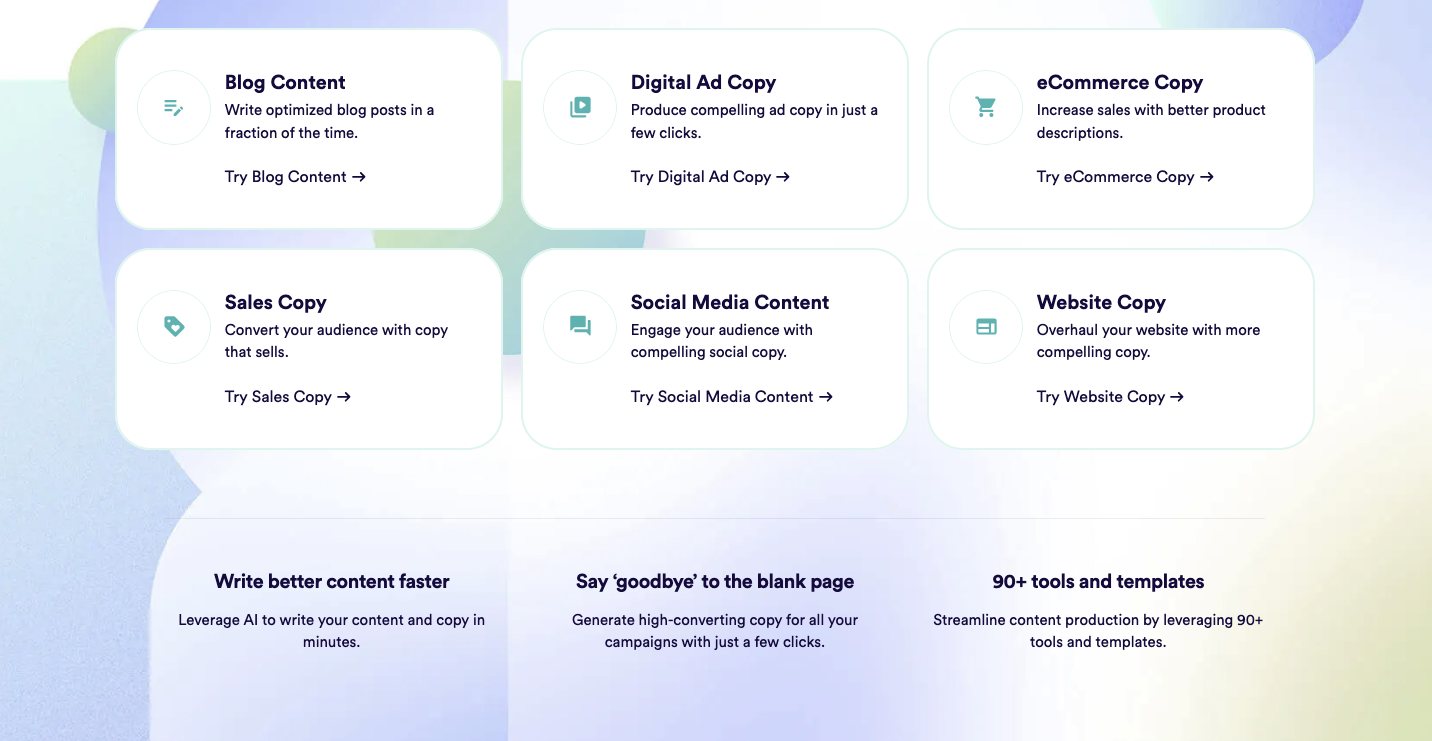
Copy.ai

Experience the full power of an AI content generator that delivers premium results in seconds.

HOW IT WORKS:

1. Enter your copywriting project
Choose from emails, social posts, long-form blog posts, and more!
2. Give Copy.ai a bit of context
Enter a few sentences about your brand and products.
3. Sift through the results
Our AI content generator gives you multiple options for each campaign that you’re working on.
4. Edit, polish, and publish
Use Copy.ai’s editor to rewrite paragraphs and polish up sentences. Then, just copy and paste the work into your CMS for publishing.

ControlNet v1

Make amazing promo videos using AI in just a few seconds. It’s super easy.

Here is the tutorial:

Scroll to top