Best Free AI Websites

Image Editing

Getimg.ai

AI-powered tools to create, modify, and expand images.

Getimg.ai Features:

  • A suite of fast, user-friendly AI-powered tools for versatile image generation and editing, including Text to Image, AI Editor, DreamBooth, and more – all for free, with up to 100 images generated per month and additional credits earned through referrals.
  • Edit images with only text.
  • Create your custom AI model.
  • You can generate 100 images for free every month. 

Tutorial

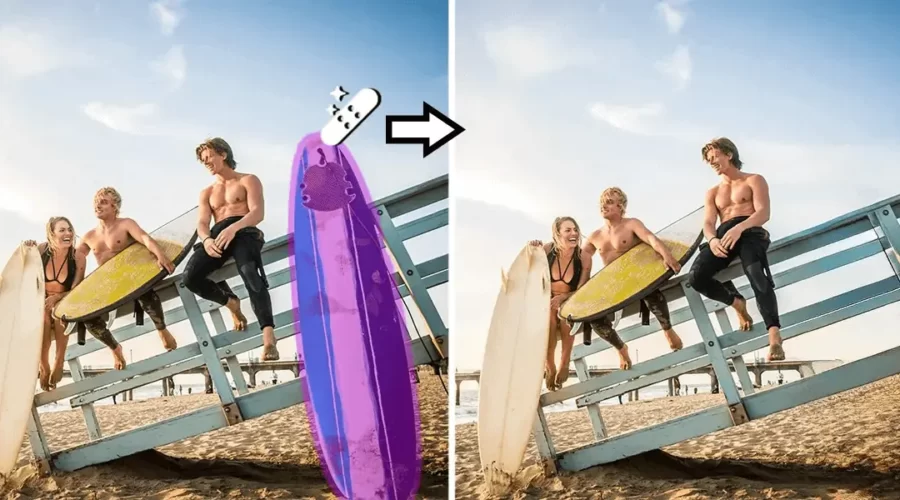
Cleanup.pictures

Remove any unwanted objects, defects, people or text from photos.

Cleanup.pictures Features:

  • AI-powered editing tool designed to remove unwanted objects, people, text, and defects from images.
  • Inpainting is a retouch technology used to remove any unwanted objects from photos (object removal). It can be used to remove an unwanted person. It used to work with a Clone tool like the inpaint, but using artificial intelligence gives much better results today.
  • Clone tools like adobe photoshop fix, need a background reference, while Cleanup is truly able to guess what was behind the unwanted text, the unwanted people, and unnecessary objects in just a few clicks.

Tutorial:

Pebblely

Create Instagram-worthy snapshots of any product with the click of a button!

Pebblely Features:

The AI-powered Pebblely is a platform for image curation that assists users in locating flawless images for their projects. Its essential characteristics and benefits are as follows:

1. Wide-ranging library: A collection of high-quality images handpicked by professionals.
2. Automated search apparatus: Efficiently search for images that match user-defined criteria.
3. Free registration: Up to 40 images can be accessed for free after account registration.
4. Customized dashboard: Offers users insights into their search queries, simplifying image discovery.

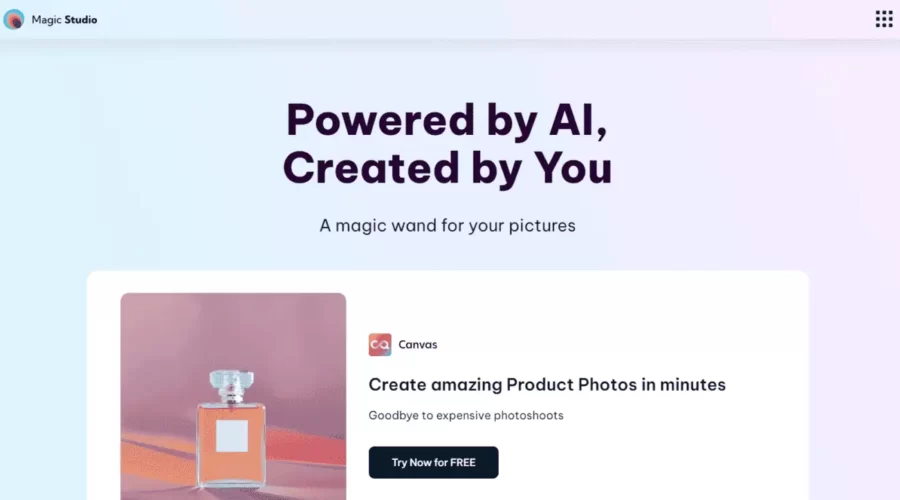
Magic Studio

Enhance visuals effortlessly with AI editing tools.

Features:

  • Quick and easy removal of unwanted elements from images
  • User-friendly interface for effortless image enhancement
  • Supports JPEG and PNG formats
  • Multiple use cases in real estate, fashion, and social media
  • Magic Studio API for integrating Magic Eraser features into other applications
  • Free to use with optional pricing plans for additional features

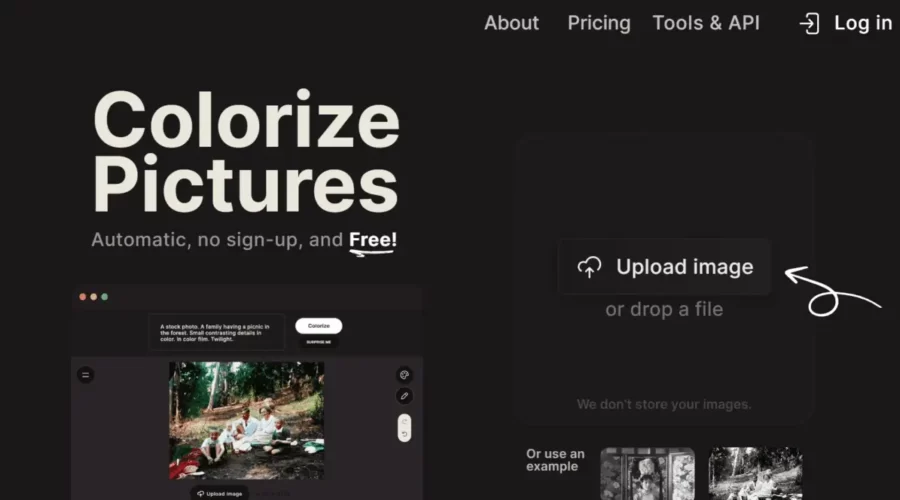
Palette

Palette is an online tool designed to add color to black-and-white or grayscale pictures. It utilizes an automated process to apply colors to the image and does not require any sign-up or registration.

Features :

  • Supports image resolution up to 4K and video frames up to 4K resolution.
  • Maximum image file size of 10MB per image.
  • Wide range of supported image formats, including popular formats like JPEG, PNG, GIF, TIFF, and more.
  • Various colorization guidance options: automated prompts, custom prompts, and reference images.
  • App Integration for integrating Palette into iPhone photos, Google Drive, or other photo apps.
  • API availability for developing new apps or enhancing existing products with powerful colorization features

Tutorial and review:

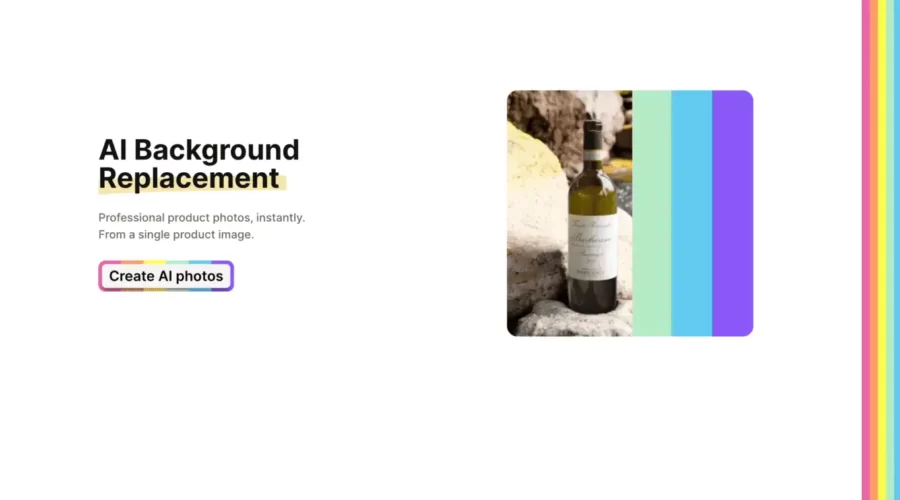
Boxy

AI Background Replacement for Professional product photos. Say goodbye to photo shooting.

Features:

  • It instantly generates really good quality backgrounds for products.
  • 20 Images for free.
  • build for all industries.
  • Just upload your product image and write what you want for the background.
  • Easy to use, great user experience.

Photoshop AI

Edit and Generate awesome images just with text prompts using AI.

Photoshop just released a new “Generative Fill Feature” – Just select the part and write what you want, Photoshop borrowed this feature from Adobe Firefly.

Generative Fill adds and creates appropriate shadows, reflections, lighting, and perspective to give you stunning results that need much less editing.

This will take a lot of hard work and save lots of time.

Features:

  • It can effortlessly combine two images.
  • It adds new things.
  • It effortlessly reveals wider angles.
  • Generate amazing backgrounds with words
  • New Generative AI VS old Content-Aware Fill: The new one produces superior results.

Tutorial

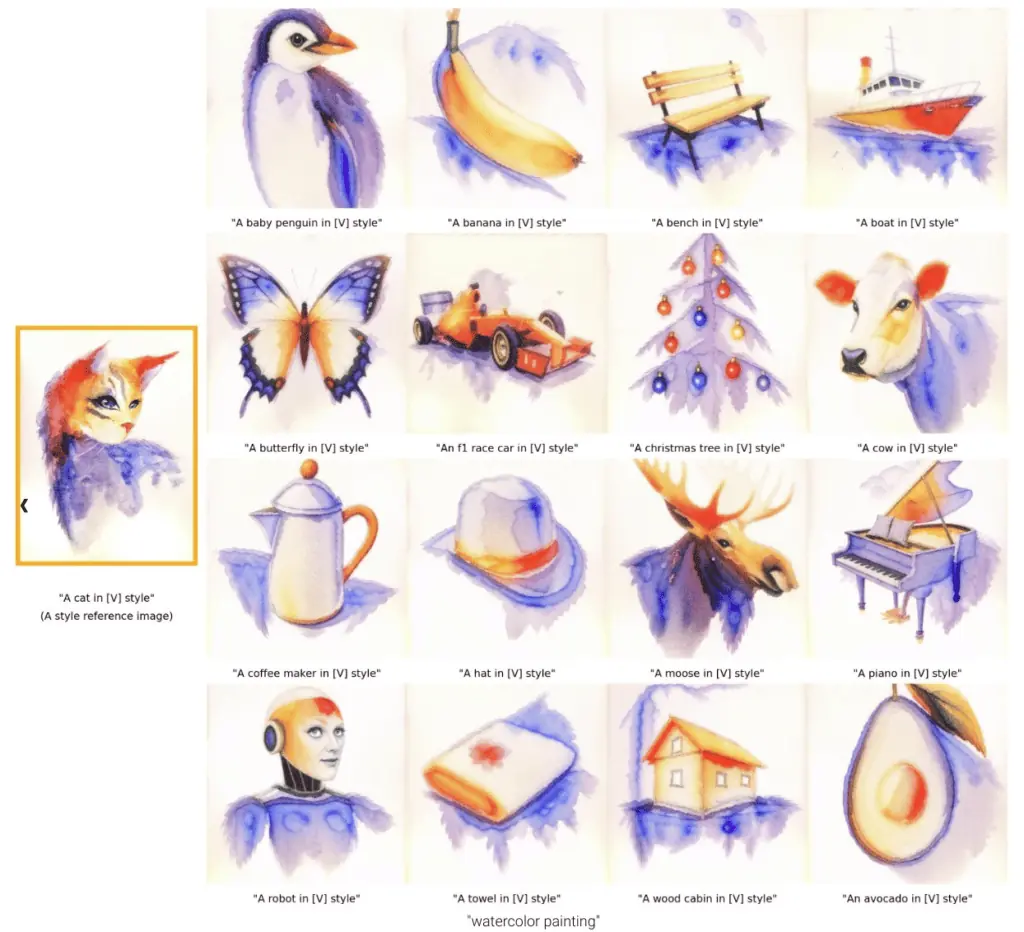
Google’s StyleDrop

Text-To-Image Generation that follows a specific style of their choice given only a single style reference image.

Features:

  • StyleDrop can extract the color palette and overall style from this watercolor cat painting, and generate almost anything one can imagine in that same style.
  • It handles the translation of ideas into arbitrary styles, changing the object shape to fit the style – and following stylistic flourishes and geometrical style components.
  • This also happens with 3D styles. Here, even the isometric viewpoint is captured. As well as the rounded edges, layout and color palette.

Nostalgia Photo

Bring old photos back to life with AI. Get max resolution in clicks & cents.

Nostalgia Photo Features:

Nostalgia Photo is a tool that leverages the power of AI to revive old photographs by eliminating flaws and enriching their quality. Its noteworthy features and benefits include:

– AI-backed restoration: Capable of removing blurriness, torn images, and other blemishes without compromising the image’s integrity
– Upscaling of resolution: Efficiently enhances the resolution of low-detail pictures to high definition, which is useful for print purposes
– Focused on old photographs: Employs specialized techniques to deliver natural-looking, superior outcomes.

Outfits AI

Try on endless outfit possibilities!

Outfits AI Features:

– Outfits AI is an AI-powered tool
– Its purpose is to help users create and explore outfit possibilities
– It allows virtual try-on, where users can upload an image and view generated outfit combinations on the original photo
– Customization is possible, where users can select different colors, styles, fabrics, and accessories for personalized outfit options
– The tool allows users to save created outfits and share them for inspiration and feedback
– The advantages of Outfits AI include convenience, efficiency, and personalized options
– Outfits AI saves time and effort for users who are looking to create new outfit combinations
– Its virtual try-on and customization features allow users to experiment with different styles and options without physically trying them on
– The tool also encourages creativity and sharing among users with its save and share feature.

Imagecolorizer

Colourize Black and White photos with stunning accuracy.

Imagecolorizer Features:

Transform old photos into vibrant memories with ImageColorizer – a cloud-based editing and graphic design tool that uses AI technology to colorize, unblur, repair, and enhance black and white and antique photos. Offering cross-platform availability and a high user satisfaction rate with an average customer rating of 4.5 out of 5.0.

LeiaPix

Get a 3d effect on any of your 2d images.

Click “Upload” or simply drag and drop the image of your choice.

And it also Allows you to download it as a video or GIF.

Demo

:

Scroll to top