SkySnail
Viral Thumbnails In Seconds
Create engaging thumbnails for YouTube, Instagram, TikTok and Facebook. Powered by the best AI image models for easy content creation.



Viral Thumbnails In Seconds
Create engaging thumbnails for YouTube, Instagram, TikTok and Facebook. Powered by the best AI image models for easy content creation.

NanoBanana is an AI-powered content editing tool from Google that streamlines the process of editing images and videos with impressive precision. Using advanced machine learning, it allows users to remove objects, enhance visuals, change backgrounds, adjust lighting, and apply stylistic transformations effortlessly. Unlike traditional editing software, NanoBanana automates complex tasks, saving time while maintaining professional-quality results.
It’s particularly useful for:
Content creators & social media marketers who need quick, polished visuals.
Businesses & advertisers looking to enhance product images or promotional videos.
Designers & hobbyists who want AI-assisted creativity without steep learning curves.
NanoBanana is designed to be intuitive and user-friendly, making powerful AI editing accessible to anyone — no technical expertise required. Whether you want to retouch photos, create engaging video snippets, or experiment with AI-driven visual effects, NanoBanana provides a fast, reliable, and creative solution.
Key Features:
AI-assisted object removal and replacement
Automatic background changes and enhancements
Style transfer and visual effects
High-speed editing for images and videos
Minimal learning curve, fully browser-based
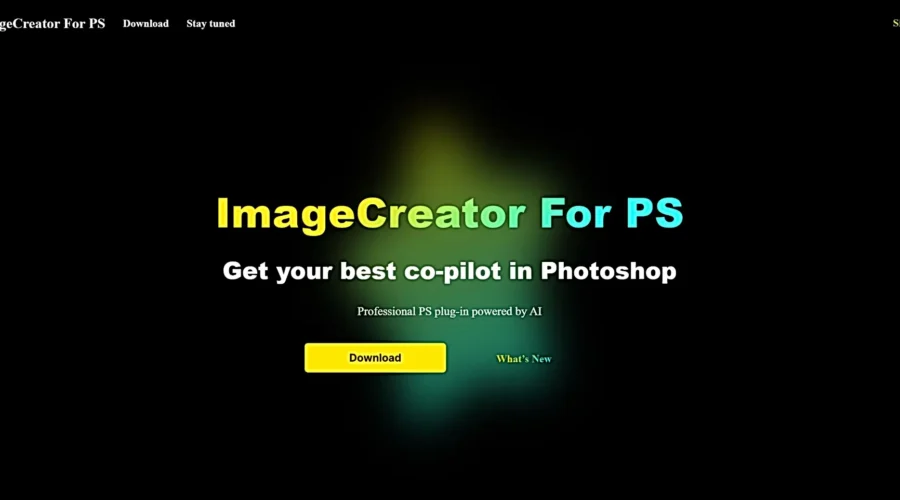
ImageCreator, a versatile Adobe Photoshop plugin, empowers artists and designers with advanced AI models for image generation and enhancement. Its features offer precise control and seamless Photoshop integration, making it an essential tool for modern digital artistry.
Advanced AI models for image generation: ImageCreator utilizes cutting-edge AI technology to create stunning images.
Seamless Adobe Photoshop integration: Seamlessly integrates with Adobe Photoshop, enhancing your editing workflow.
High-quality image outputs: You can expect top-notch image results from this tool.
Customization with ControlNet: Tailor the AI model outputs to your creative needs.
Diverse functions like TXT2IMG and IMG2IMG: It offers a range of parts, including text-based image generation and image transformation.
Requires Photoshop proficiency: While it enhances Photoshop capabilities, users should have a basic understanding of the software.
Primarily caters to Photoshop users: ImageCreator benefits those already using Adobe Photoshop.
I’m impressed by ImageCreator’s unique ability to integrate AI technology into Photoshop seamlessly. It is both a tool and a creative partner, enhancing artistic precision and creativity.