Virtuo
Virtuo simplifies workflows and saves time by providing users with a tool to access ChatGPT from any website.


Virtuo simplifies workflows and saves time by providing users with a tool to access ChatGPT from any website.
Lettria is an AI-powered ,no-code platform designed for managing textual data with ease, efficiency, and collaboration.
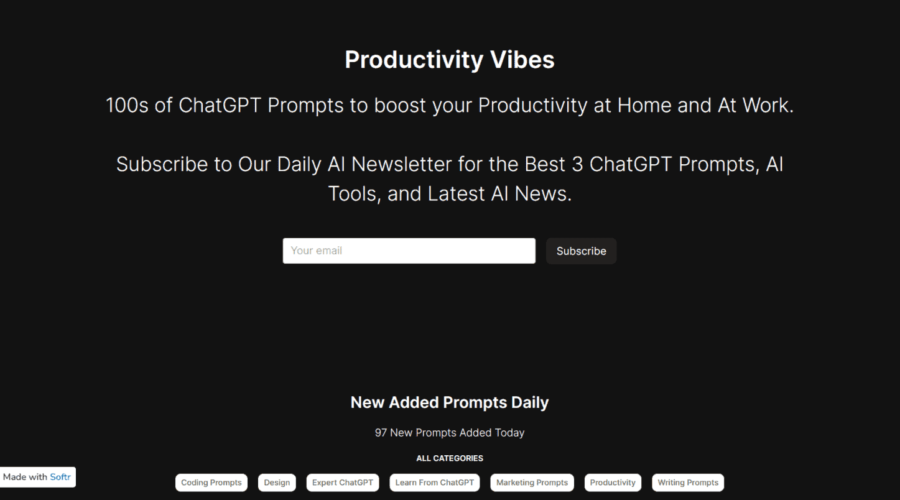
Boost productivity with 100s of ChatGPT prompts for home and work.
Productivity Vibes Features:
The prompts are crafted to aid you in managing different tasks and obstacles, enabling you to optimize your time and accomplish your objectives efficiently.
Main Components:
Diverse selection of prompts: Have access to hundreds of ChatGPT prompts for a wide array of situations and duties.
Enhanced productivity for home and work: Boost efficiency in both your personal and professional undertakings.
Task accomplishment made easy: Take advantage of prompts to finish tasks expeditiously and with greater effectiveness.
Applications:
• Overcome creative barriers and brainstorm ideas for content development.
• Enhance efficiency in managing personal errands and obligations.
Make the most of our broad range of ChatGPT prompts to elevate your productivity both at home and in a professional capacity. These prompts are devised to simplify handling different tasks and obstacles.
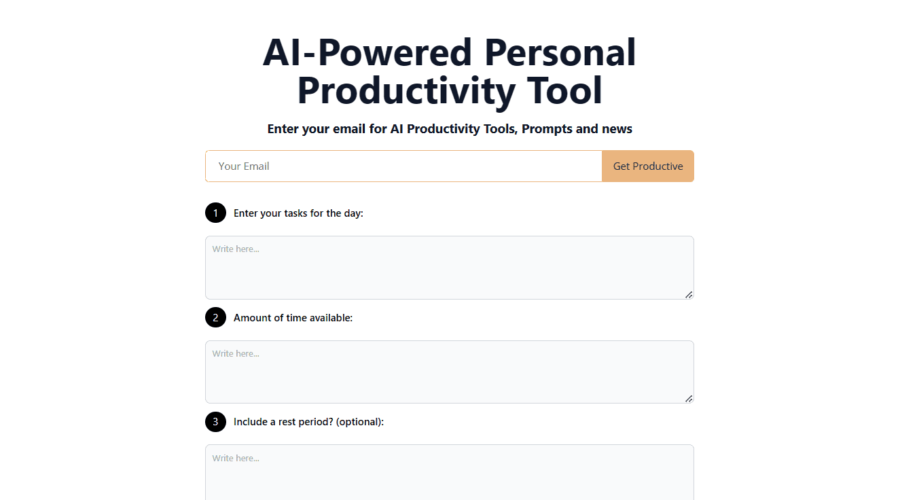
Your AI-Powered Personal Productivity Tool
ProductiveGPT Features:
ProductiveGPT is a personal productivity solution that leverages the capabilities of OpenAI GPT-3 API to assist you in effectively managing your daily tasks.
Highlights:
– Task input: Add your tasks for the day
– Time management: Indicate the duration of time assigned for accomplishing each task
– Rest period: Optionally include a break during the workday
Scenarios:
– Strategizing and allocating your day’s tasks, ensuring productivity
– Maintaining an equilibrium between work and rest periods, ultimately sustaining productivity all day.
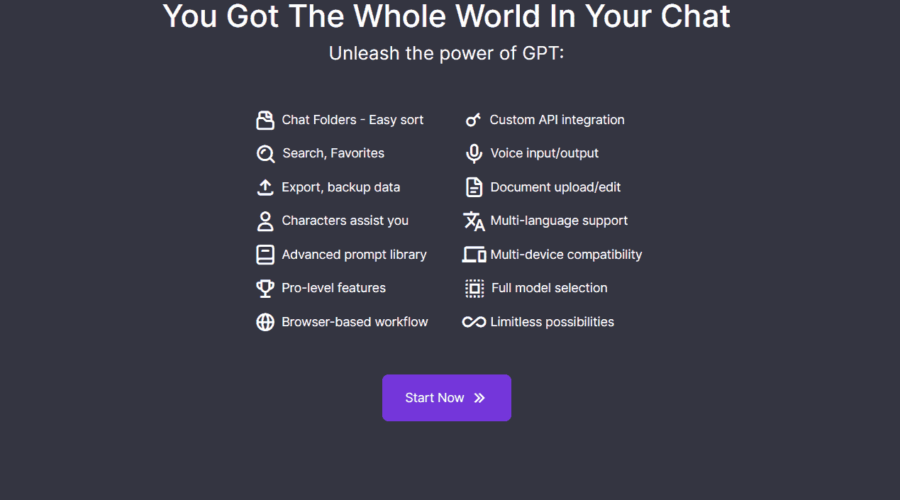
FutureDesk is an advanced chatbot interface that revolutionizes the way users interact with ChatGPT
FutureDesk is an advanced interface for the ChatGPT chatbot, which enhances the user’s interaction with it and revolutionizes their entire experience. It boasts a broad range of features, including rapid responses, searchable chat history, document uploads, drag and drop folders, voice input and output, word counters, as well as several other abilities like editing, copying, or deleting any message or chat content. The following are some of the advantages that FutureDesk provides over ChatGPT
FutureDesk Features:
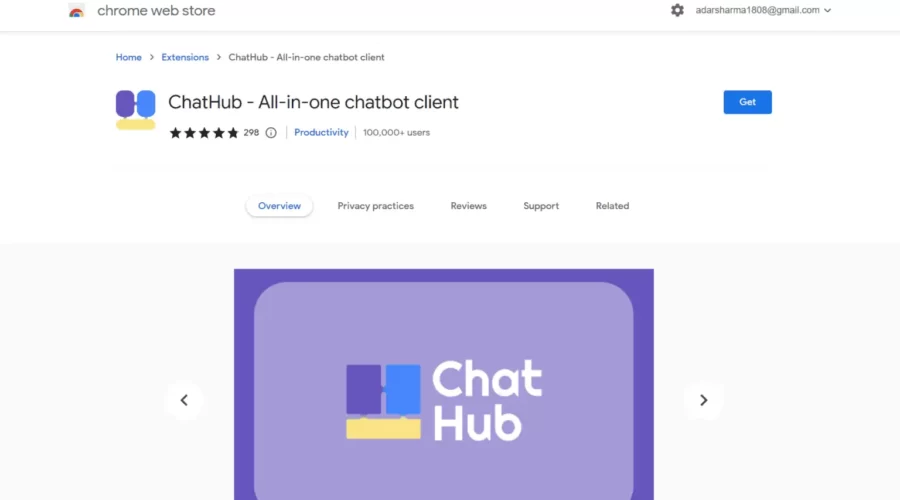
Use ChatGPT, new Bing Chat, Google Bard, Claude(via Poe) in one app.
ChatHub Features:
ChatHub is an all-in-one chatbot client that provides a superior UI for your preferred chatbots. Its major benefits and features include:
Use cases for ChatHub involve:
Efficient comparison of responses from multiple chatbots.
Simplifying chatbot usage with a unified app.
Accessing ChatGPT API mode for accelerated and cost-effective chatbot use.
Enhancing chatbot experience with the Prompt Library and Markdown support.
Easy backup and migration of chatbot data.
ChatHub is an inclusive chatbot client that presents users with a variety of features to enrich their chatbot experience.
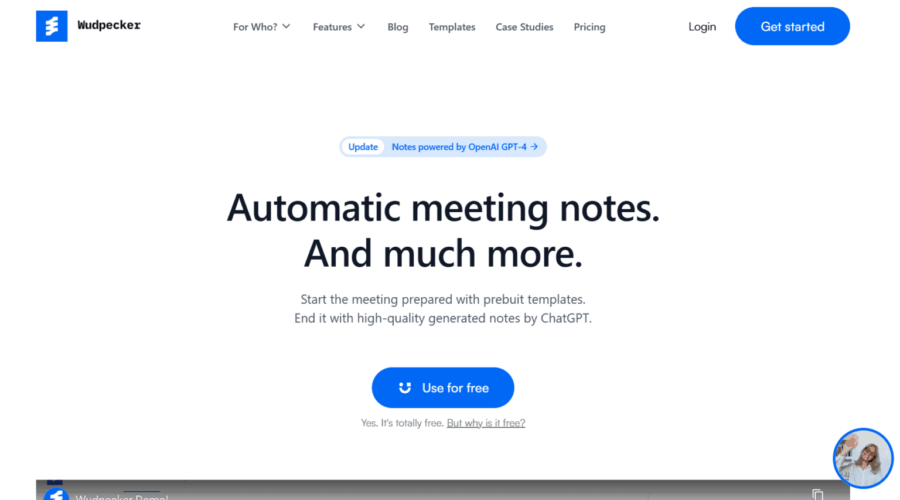
End the meeting with perfect notes and share it to every stakeholder with Wudpecker.
Wudpecker Features:
Wudpecker is a tool that assists you in concentrating on listening during calls by handling your notes and tasks. Its notable features and advantages comprise:
Automated note-taking that records, transcribes, and makes excellent notes on every call joined by Wudpecker.
Time-saving functionality that can help save over five hours per week, enabling you to focus on what matters!
Pre-built templates that allow you to prepare for meetings correctly.
High-quality notes generated by ChatGPT when the meeting concludes.
Use cases for Wudpecker could include various call-related tasks, such as:
Professional calls: Utilize Wudpecker for professional calls to ensure detailed and accurate notes without the stress of manual note-taking.
Team meetings: Empower the team by making use of Wudpecker during team meetings, ensuring everyone has access to the same notes and is on the same page.
Productivity improvement: Enhance productivity levels by focusing on more important tasks, allowing Wudpecker to save time during calls.
Wudpecker is a reliable and efficient tool that helps you stay organized and focused during calls.
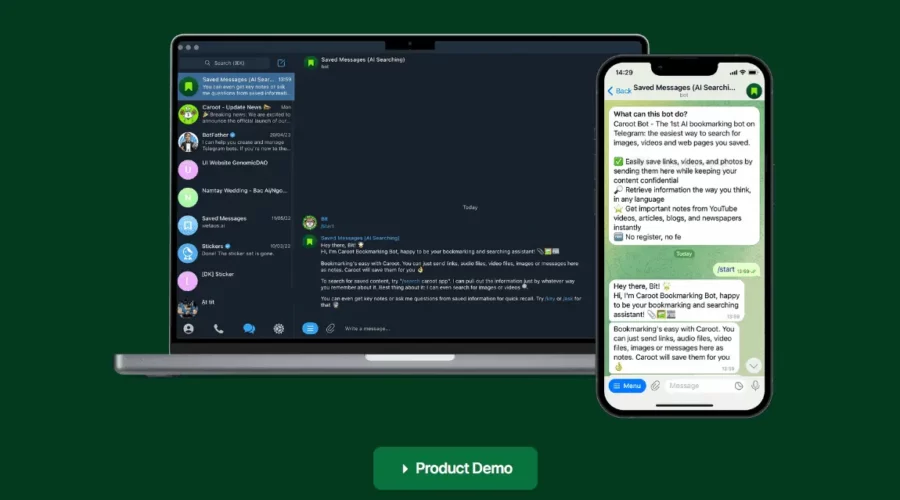
The easiest way to search for audio, images, videos and web pages you saved.
Features:
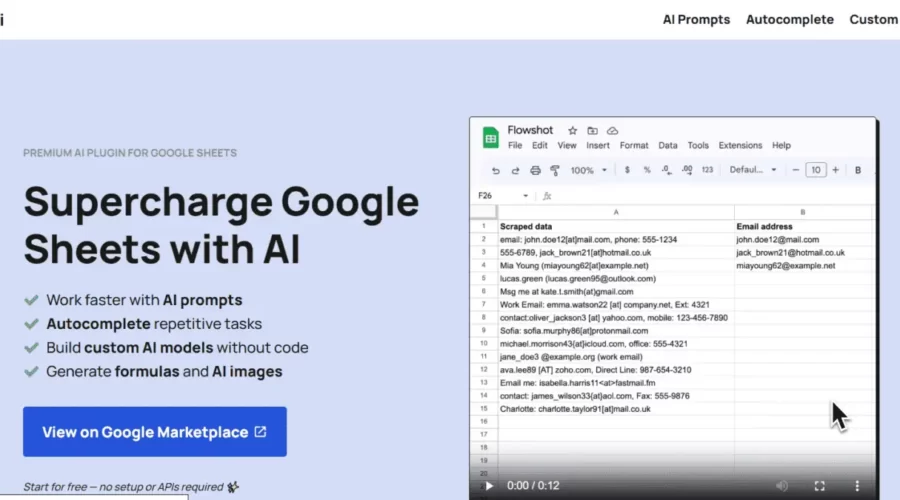
Supercharge Google Sheets with AI.
Flowshot is a comprehensive toolkit powered by AI created to automate Google Sheets workflows. This toolkit has various key features and benefits, including an Autocomplete feature, which provides examples to speed up data entry. The AI-powered formulas generated quickly and effectively cater to the user’s needs.
Flowshot also provides the ability to create highly detailed images based on existing instructions.
Key Features:
Demo:
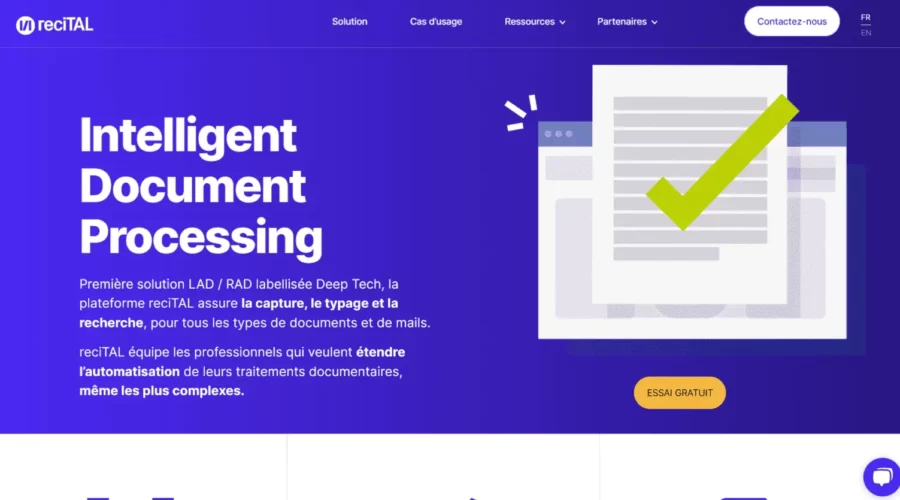
Empower document processing with reciTAL.
ReciTAL Features:
reciTAL Intelligent Document Processing:
reciTAL is a Deep Tech LAD/RAD platform that facilitates the capture, categorization, and search of all types of documents and emails. It is intended for professionals who wish to automate their document processing, even for complex tasks.
Key Features:
Automate the processing of mail and document flows through Categorization
Extract information from various document types with Capture
Find answers in your document databases through Search
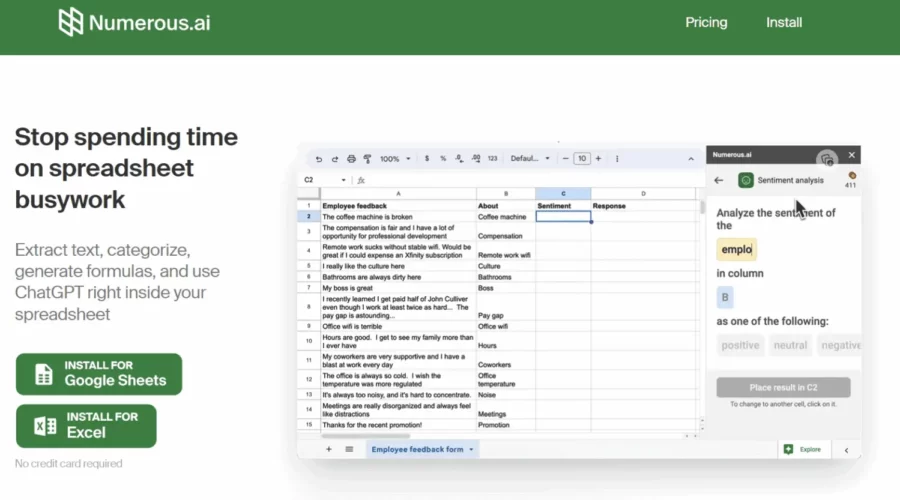
AI-powered spreadsheet tool for automation and efficiency.
Numerous.ai Features:
With the use of advanced Artificial Intelligence technology, this tool provides efficient solutions to optimize workflow, save time and enhance productivity when dealing with spreadsheets.
Notable Features:
1. Data Extraction: Easily extract pertinent information from extensive data.
2. Categorization: Quickly arrange, categorize, sort and manage your spreadsheet data.
3. Formula Generation: Leverage the power of AI in generating accurate formulas and automating calculations.
4. ChatGPT Integration: Effortlessly access ChatGPT’s functions directly in your spreadsheet for a seamless experience.
5. Automation of Formatting and Repetitive Tasks: Eliminate repetitive tasks and automate cell formatting resulting in a more organized and efficient working environment.
Tutorial:
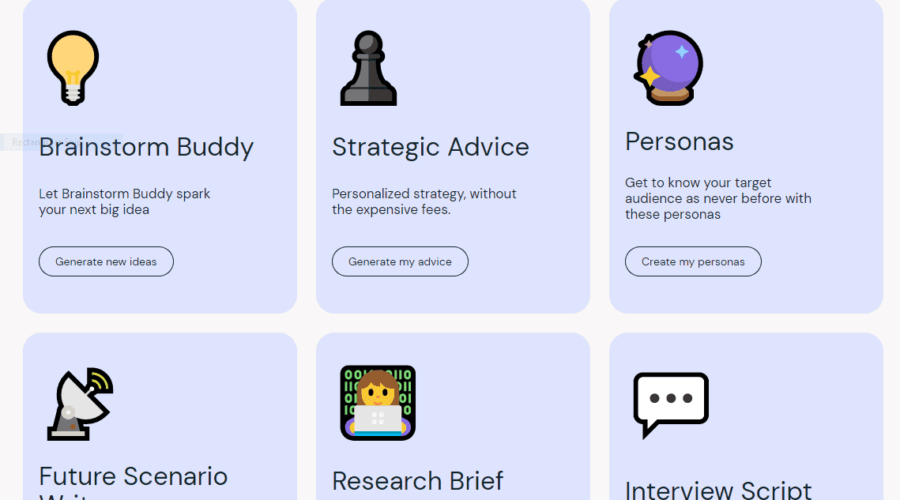
A collection of tools to help you become more innovative.
Features: