
Best Free AI Websites

AI Tools

Erase It

Remove Unwanted Objects from Your Photos in Seconds. It’s Free!

Erase It Features:

– Erase It is a photo editing tool that uses advanced AI technology.
– It quickly identifies and removes unwanted elements from images.
– The result is a natural-looking and fully edited picture in just seconds.
– The interface is easy to use, making the photo editing process simpler.
– Using Erase It saves time and effort, as it is fast and efficient.
– Erase It is perfect for both professional photographers and casual users.
– The final result retains the original quality of the image after editing.

Green Screen AI

Change background of pics with AI

Green Screen AI Features:

Green Screen AI is a fun and creative tool that lets users replace image backgrounds with unique AI-generated art. Its features and benefits include:

1. AI-generated art: Effortlessly replace image backgrounds with one-of-a-kind, AI-created scenes.
2. User-friendly: Easy to use, offering a fun and creative experience.
3. Shareable results: Share the AI artwork with friends and family.
4. Community feedback: Facilitates a platform for user feedback on the app.
5. Privacy protection: Ensures user data is safeguarded by implementing a privacy policy.

Erase.bg

Freely remove background from images and download high-res versions.

Erase.bg Features:

Erase.bg is a free-to-use background image remover tool powered by AI, catering to diverse user bases. Its salient features and advantages include:

1. One-click removal: Effortlessly remove images’ background featuring humans, animals, or objects.
2. Mobile applications: Supported on both Android and iOS devices.
3. Multifaceted use cases: Fits individual users, professional photographers, developers, e-commerce businesses, and enterprise customers.
4. Bulk image processing: Can process thousands of high-resolution images quickly and efficiently.

Getimg.ai

AI-powered tools to create, modify, and expand images.

Getimg.ai Features:

  • A suite of fast, user-friendly AI-powered tools for versatile image generation and editing, including Text to Image, AI Editor, DreamBooth, and more – all for free, with up to 100 images generated per month and additional credits earned through referrals.
  • Edit images with only text.
  • Create your custom AI model.
  • You can generate 100 images for free every month. 

Tutorial

Cleanup.pictures

Remove any unwanted objects, defects, people or text from photos.

Cleanup.pictures Features:

  • AI-powered editing tool designed to remove unwanted objects, people, text, and defects from images.
  • Inpainting is a retouch technology used to remove any unwanted objects from photos (object removal). It can be used to remove an unwanted person. It used to work with a Clone tool like the inpaint, but using artificial intelligence gives much better results today.
  • Clone tools like adobe photoshop fix, need a background reference, while Cleanup is truly able to guess what was behind the unwanted text, the unwanted people, and unnecessary objects in just a few clicks.

Tutorial:

Pebblely

Create Instagram-worthy snapshots of any product with the click of a button!

Pebblely Features:

The AI-powered Pebblely is a platform for image curation that assists users in locating flawless images for their projects. Its essential characteristics and benefits are as follows:

1. Wide-ranging library: A collection of high-quality images handpicked by professionals.
2. Automated search apparatus: Efficiently search for images that match user-defined criteria.
3. Free registration: Up to 40 images can be accessed for free after account registration.
4. Customized dashboard: Offers users insights into their search queries, simplifying image discovery.

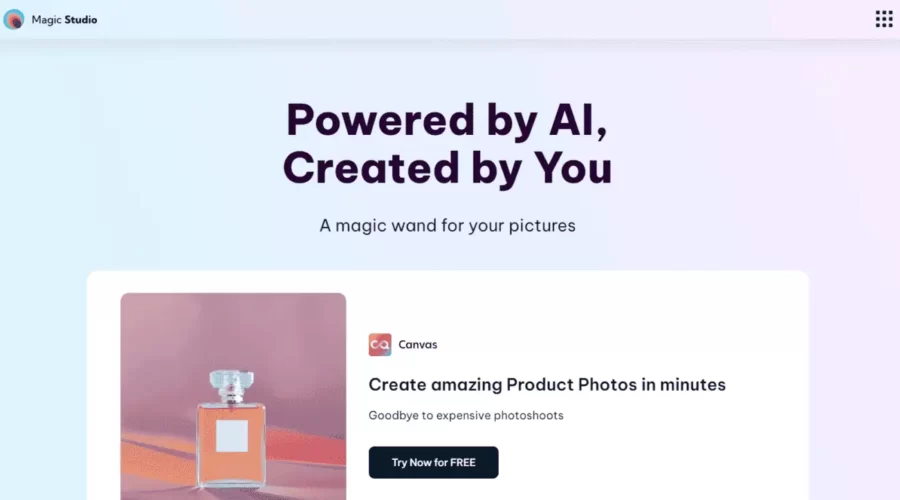
Magic Studio

Enhance visuals effortlessly with AI editing tools.

Features:

  • Quick and easy removal of unwanted elements from images
  • User-friendly interface for effortless image enhancement
  • Supports JPEG and PNG formats
  • Multiple use cases in real estate, fashion, and social media
  • Magic Studio API for integrating Magic Eraser features into other applications
  • Free to use with optional pricing plans for additional features

Palette

Palette is an online tool designed to add color to black-and-white or grayscale pictures. It utilizes an automated process to apply colors to the image and does not require any sign-up or registration.

Features :

  • Supports image resolution up to 4K and video frames up to 4K resolution.
  • Maximum image file size of 10MB per image.
  • Wide range of supported image formats, including popular formats like JPEG, PNG, GIF, TIFF, and more.
  • Various colorization guidance options: automated prompts, custom prompts, and reference images.
  • App Integration for integrating Palette into iPhone photos, Google Drive, or other photo apps.
  • API availability for developing new apps or enhancing existing products with powerful colorization features

Tutorial and review:

Boxy

AI Background Replacement for Professional product photos. Say goodbye to photo shooting.

Features:

  • It instantly generates really good quality backgrounds for products.
  • 20 Images for free.
  • build for all industries.
  • Just upload your product image and write what you want for the background.
  • Easy to use, great user experience.

Photoshop AI

Edit and Generate awesome images just with text prompts using AI.

Photoshop just released a new “Generative Fill Feature” – Just select the part and write what you want, Photoshop borrowed this feature from Adobe Firefly.

Generative Fill adds and creates appropriate shadows, reflections, lighting, and perspective to give you stunning results that need much less editing.

This will take a lot of hard work and save lots of time.

Features:

  • It can effortlessly combine two images.
  • It adds new things.
  • It effortlessly reveals wider angles.
  • Generate amazing backgrounds with words
  • New Generative AI VS old Content-Aware Fill: The new one produces superior results.

Tutorial

Google’s StyleDrop

Text-To-Image Generation that follows a specific style of their choice given only a single style reference image.

Features:

  • StyleDrop can extract the color palette and overall style from this watercolor cat painting, and generate almost anything one can imagine in that same style.
  • It handles the translation of ideas into arbitrary styles, changing the object shape to fit the style – and following stylistic flourishes and geometrical style components.
  • This also happens with 3D styles. Here, even the isometric viewpoint is captured. As well as the rounded edges, layout and color palette.

Lunit

Medical AI software to detect cancer earlier & predict treatment responses.

Lunit Features:

Lunit is a publicly traded organization that creates AI medical software to combat cancer. Detecting cancer early is crucial for survival, and Lunit’s AI cancer screening software enables physicians to identify it sooner. Lunit INSIGHT is capable of identifying anomalous radiological findings on chest x-rays with a precision rate of 97-99%. Majority of these oddities are imperceptible to the naked eye, and without Lunit’s assistance, doctors may miss them. Lunit SCOPE operates using AI to predict potential treatment responses, enabling health professionals to make knowledgeable decisions about patient care.

Scroll to top